Lessons recorded on the site itself
Prompts, a recurring character, verticals, chat and credits. Each lesson is a screen recording with captions, plus steps you can repeat yourself.
How the lessons work
The real interface
Every lesson is recorded on the site itself. Only the wait for generation is cut.
Captions and steps
No sound needed: captions run over the video, and a step in the list jumps the recording to it.
Straight to practice
Each lesson has a button to the right part of the site, so you can repeat the steps on your own project.
All lessons
- Lesson 1Start
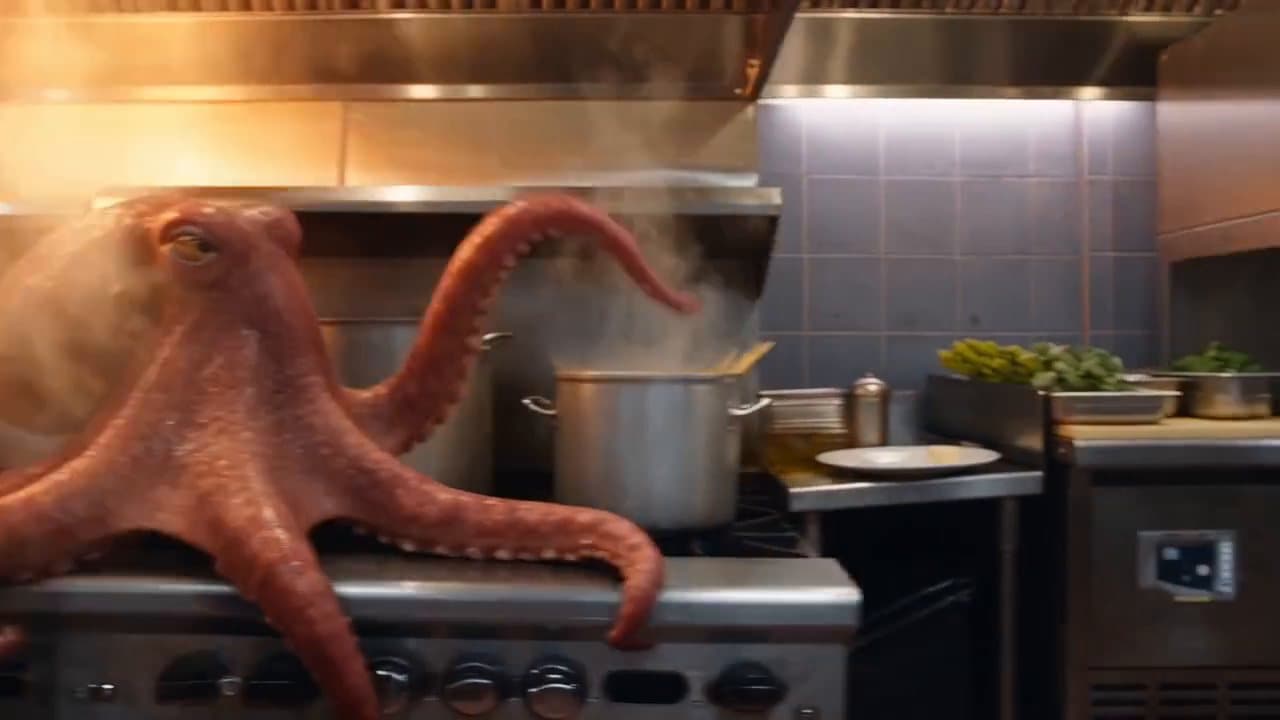
Your first video: from prompt to Library
Pick the type, describe the scene, see the price before you run, and find the finished clip.
1:247 stepsBasic
- Lesson 2Prompt
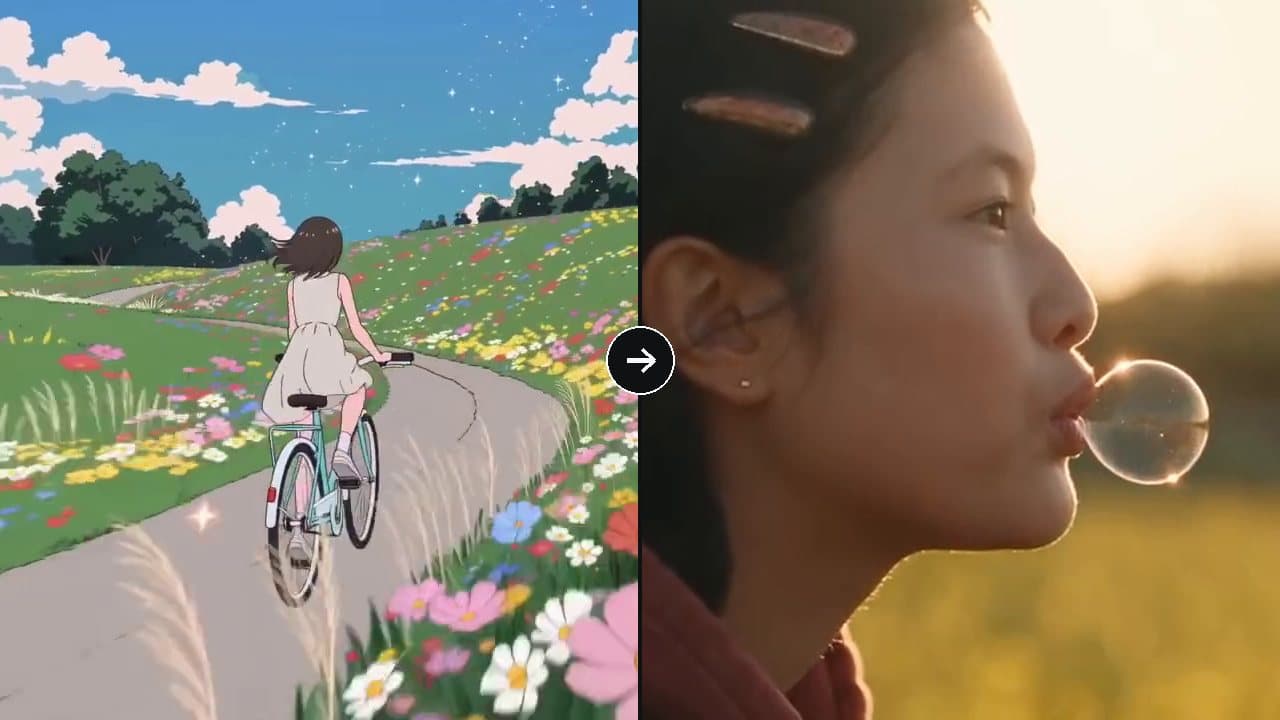
Prompts: from vague to precise
How to describe a shot so you get what you meant, not what the model guesses.
1:205 stepsBasic
- Lesson 3Character
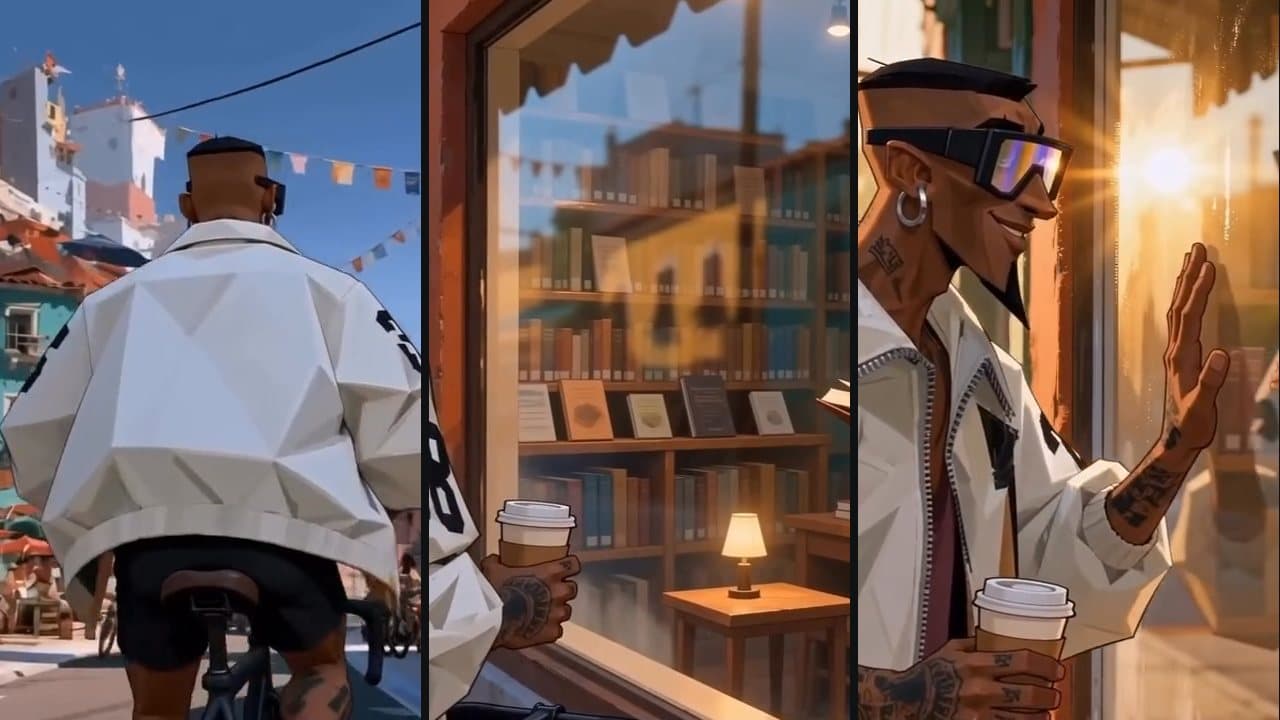
One character across three shots
Save your hero as an element and call them with @, so the look stays the same from shot to shot.
1:507 stepsAdvanced
- Lesson 4Vertical
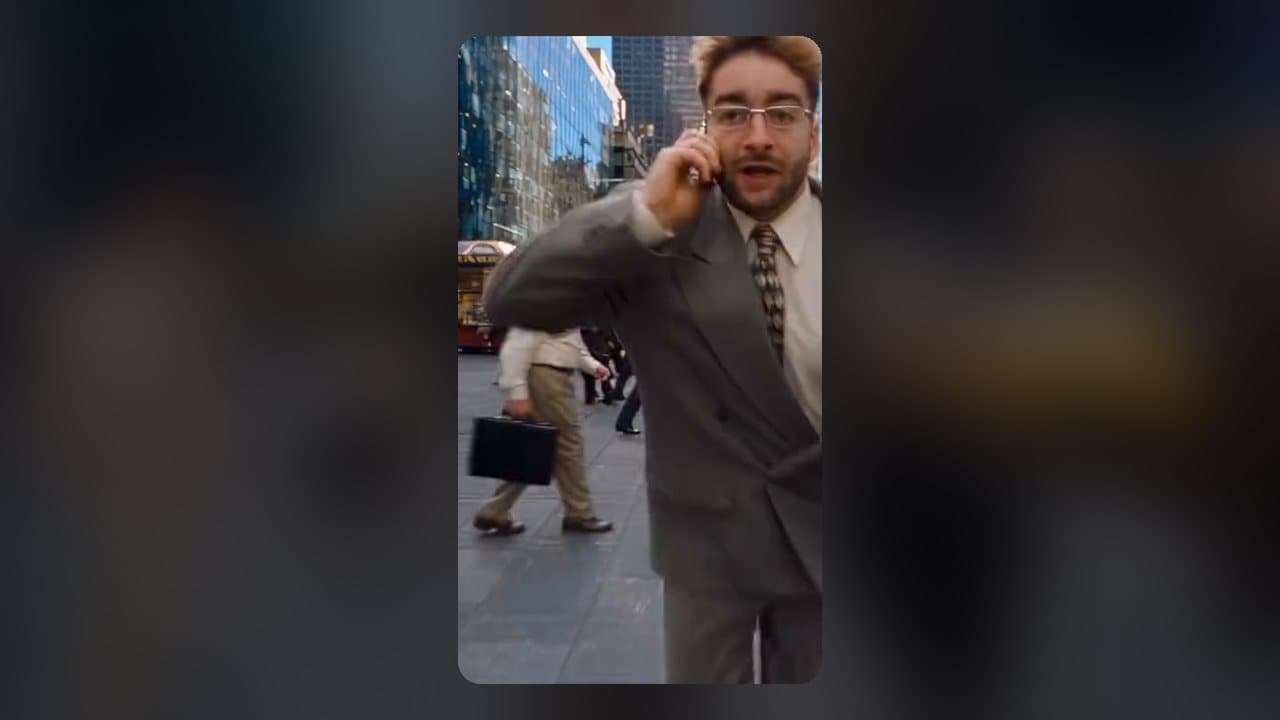
A vertical clip for Reels and Shorts
9:16 in one card, camera movement from a catalogue, and the hook in the first second.
1:106 stepsAdvanced
- Lesson 5Chat

Chat: describe it, get a video
Ask for a clip in a conversation, check the agent's card and run it when everything looks right.
1:106 stepsBasic
- Lesson 6Credits
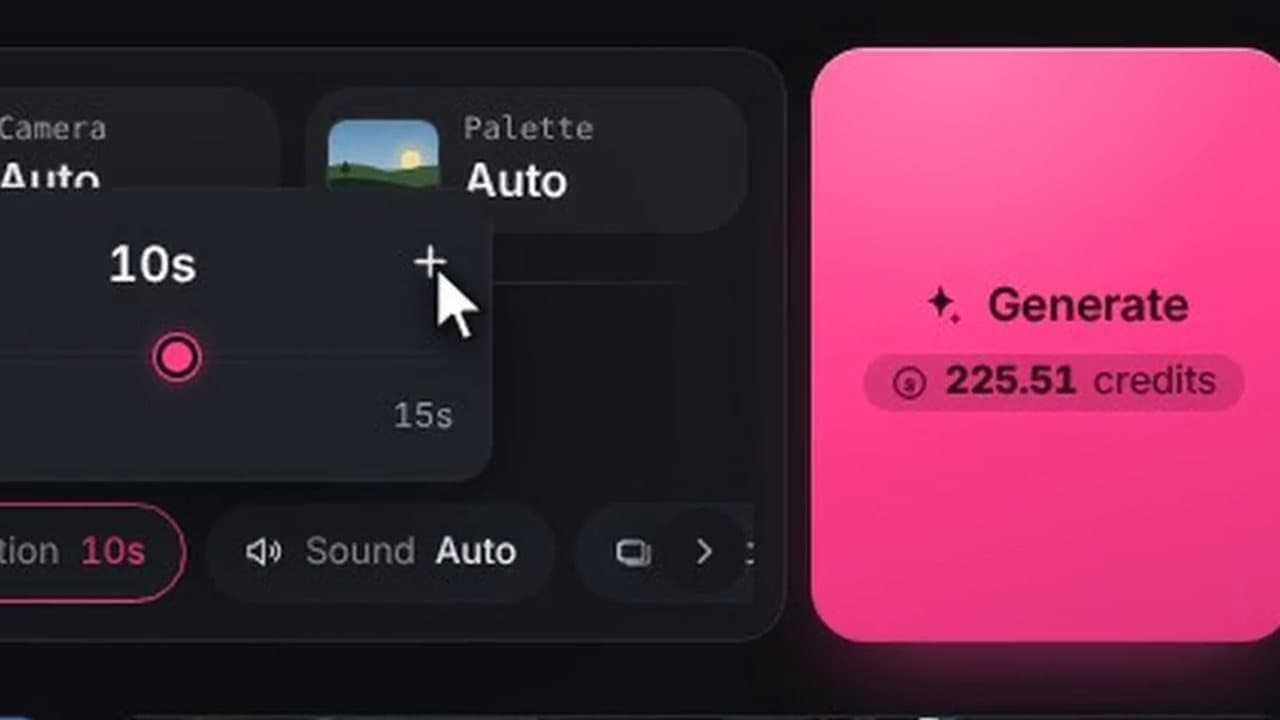
Credits: what it costs and where it went
The price before you run, a model's prices, plans, credit expiry and the list of charges.
0:555 stepsBasic
Now do it for real
The lessons are short on purpose: keep one open beside the studio and repeat the steps on your own project.