Images made on Seedara: a woman with a pelican among tropical leaves, a man on a giant sea turtle, a woman among party balloons, a pelican on a sunny coast

AI Image Generator

An AI image generator: turn a prompt or your photo into a picture with Nano Banana, GPT Image or Flux.

Model

Opens the studio with your prompt, model, format and image. Compare models · See pricing

Made with Nano Banana Pro, Seedream 5 Pro and GPT Image 2

Text to image

AI pictures made on Seedara, and the exact prompts behind them

Every picture here was made from one written prompt — no photo went in. Pick one below to see its full prompt, the model and the format it was made in.

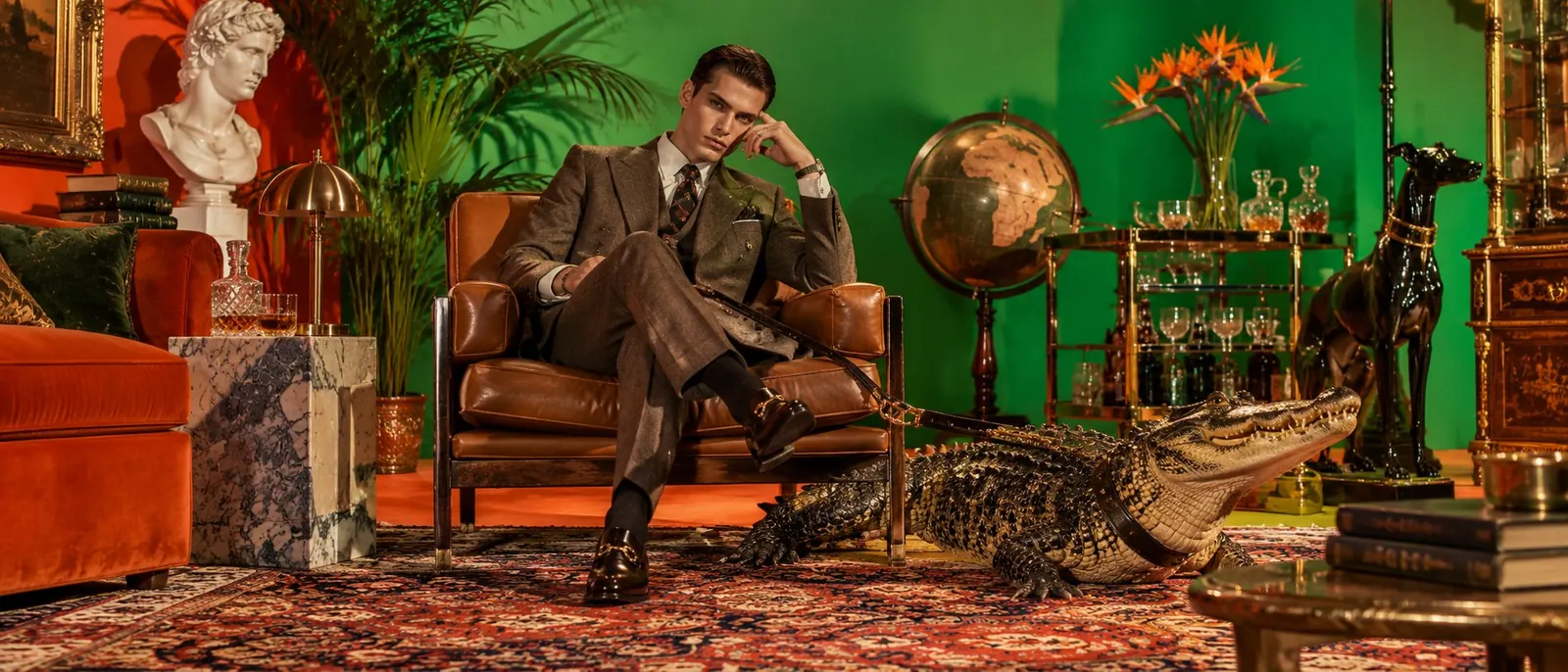
A man in a tweed suit in a leather armchair with a crocodile at his feet in a green room

ByteDanceSeedream 5 Pro21:9

Prompt

“Eccentric portrait of a man in a tweed suit lounging in a leather armchair with a crocodile at his feet, green walls, marble bust, globe and orange flowers, maximalist interior, horizontal”

Open in the community →
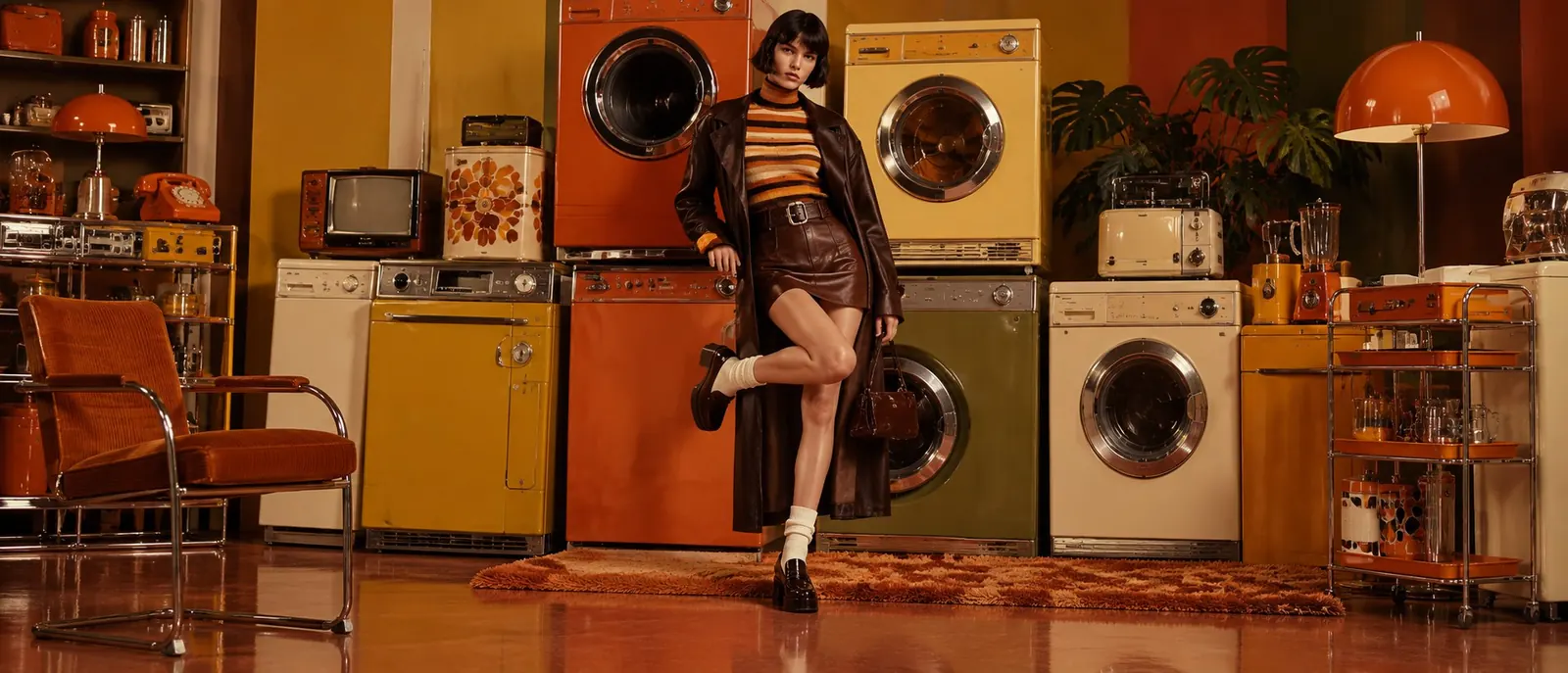
A woman in a leather coat posing in a 1970s laundromat full of colourful washing machines

OpenAIGPT Image 221:9

Prompt

“Retro fashion shot of a woman in a striped top and leather coat in a 1970s laundromat full of colourful washing machines, orange lamps and chrome chairs, warm film tones, horizontal”

Open in the community →
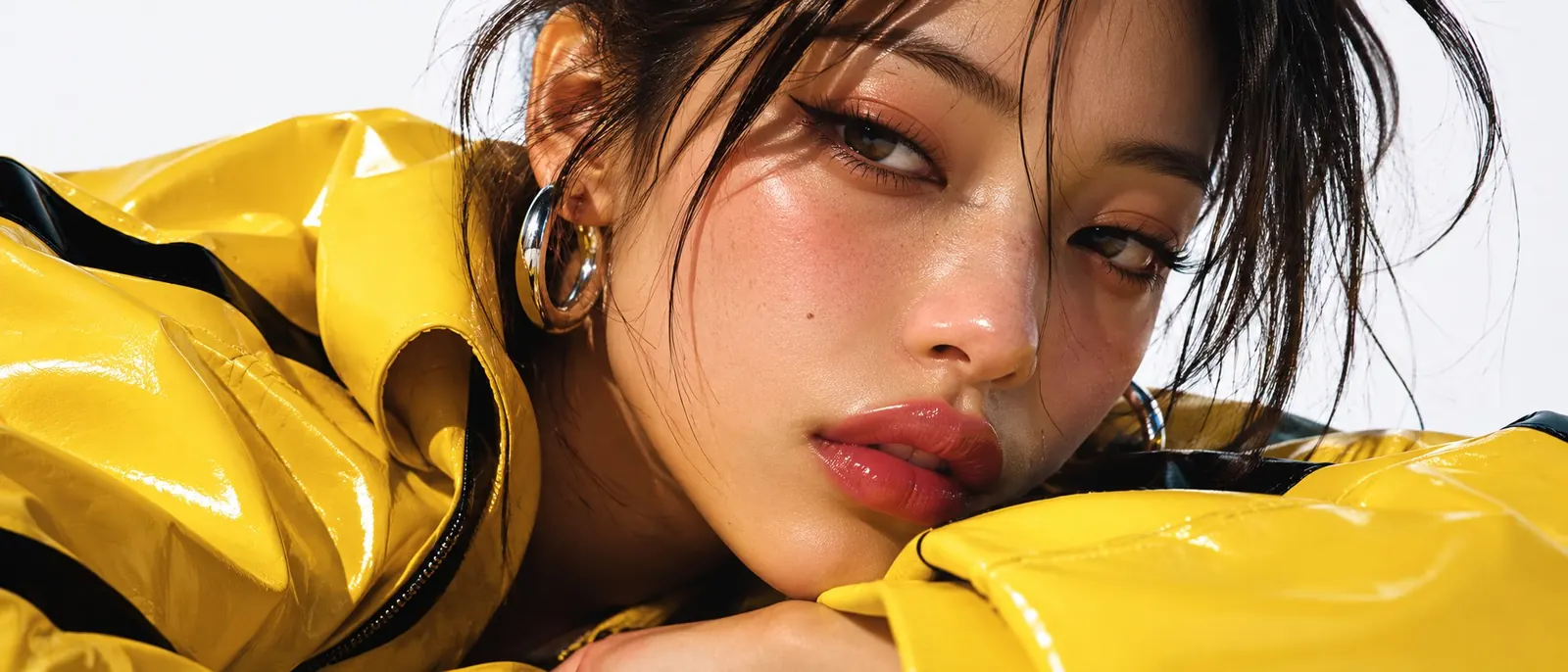
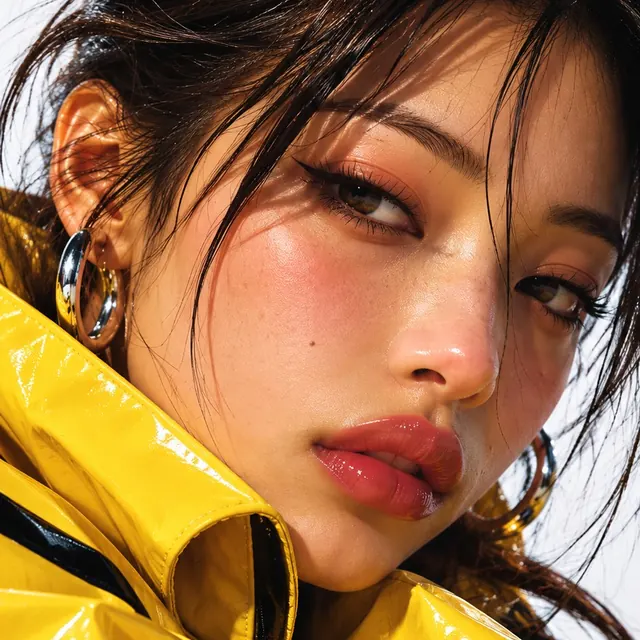
Close-up of a young woman in a glossy yellow jacket resting her cheek on her arm

GoogleNano Banana Pro21:9

Prompt

“Cinematic close-up of a young woman in a glossy yellow vinyl jacket resting her cheek on her arm, hoop earrings, dewy skin, bright white background, horizontal”

Open in the community →
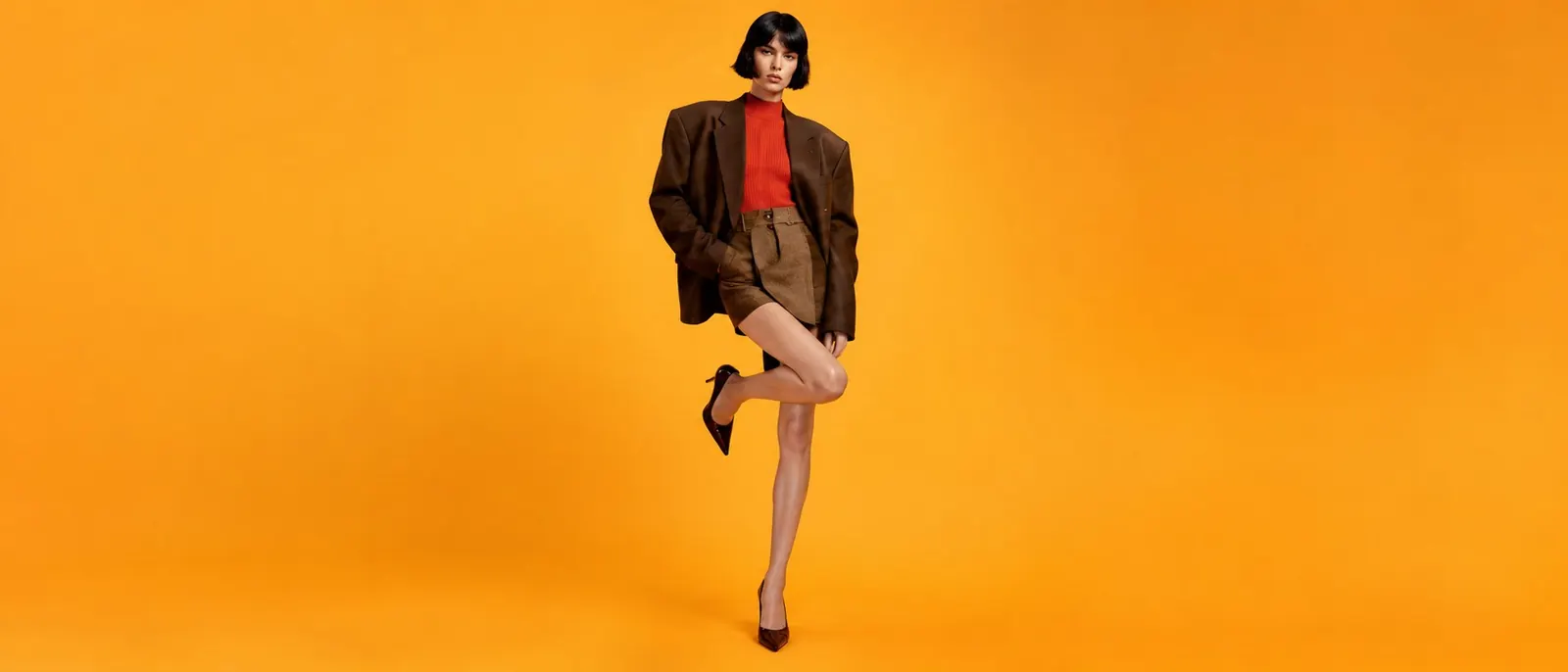
A woman in an oversized brown jacket balancing on one leg against a plain orange backdrop

GoogleNano Banana Pro21:9

Prompt

“Minimal studio shot of a woman with a black bob in an oversized brown jacket and red top balancing on one leg, wide empty orange-yellow backdrop, horizontal”

Open in the community →

How these prompts are written: who or what is in the frame, where it is, the light, then the look — “film tones”, “painterly light”, “studio backdrop”. The format comes from the Format pill, so the last word only repeats it.

Models

Which image model for which job

Seedara puts the main AI image creators side by side: Google's Nano Banana family, OpenAI's GPT Image, ByteDance's Seedream, Black Forest Labs' Flux, Kling and Ideogram. Choose what matters for your picture — the models that suit it best are listed with their limits and price.

Text in images

Signs, posters, labels and infographics. Google says Nano Banana Pro is its model for sharp text in several languages; ByteDance names dense, multilingual text as a strength of Seedream 5 Pro; Ideogram built 3.0 around stylised, accurate lettering. Keep the words short and put them in quotes.

Realistic AI photos

For an AI photo generator, look for skin, hands, fabric and daylight that pass for a camera. Black Forest Labs lists photorealism — hands, faces, textures — as Flux 2's strength; ByteDance points to lifelike light, materials and skin in Seedream 5 Pro. Name a lens or a film stock and the time of day.

Edit or remix your own images

Start from a photo, a product shot or a sketch and say what to change. GPT Image 2 takes the most images at once, Nano Banana Pro and Nano Banana 2 keep up to 14, and Kling O1 only works from a picture you give it.

Large prints and 4K

For posters and big screens. These models go up to 4K on Seedara; GPT Image 2 reaches 3840×2160, and OpenAI calls sizes above 2560×1440 experimental.

Models you can use on the free plan

These image models work with the free credits every account gets. Pictures made on the free plan carry a Seedara watermark.

More image models in the studio: GPT Image 2.5 Sunburst, Recraft V4.1, Recraft V4.1 Flash, Recraft V4.1 Pro, Grok Imagine Image 2.0, Wan 2.7 Image, Wan 2.7 Image Pro, Wan 2.6 Image, Flux 1.1 Pro, Flux 1.1 Pro Ultra, Flux 1 Krea, Flux 2 Dev, Runway Gen-4 Image, Runway Gen-4 Image Turbo, Seedream 5 Lite, GPT Image 1.5. Every model is in the AI model catalogue.

Google's four Nano Banana models side by side, with the price for each size: Nano Banana.

≈ $ is the price of a credit on the plan where the model opens: Starter $19 for 2,000 credits, Plus $59 for 6,500 credits. Prices are for one image at the settings shown, rounded up to a whole credit; the exact price is on the button before you run.

4K opens on the Ultra plan and above.

What you can make

Five everyday jobs for an AI picture generator

The same pictures, dropped where people actually use them. Each one was made on Seedara by the community.

  • Close-up portrait used as a round profile picture

    Maya R.

    online

    Profile pictures

    A close, square crop reads well at 40 pixels. Ask for a plain or soft background and choose 1:1.

    Nano Banana Pro · See the work

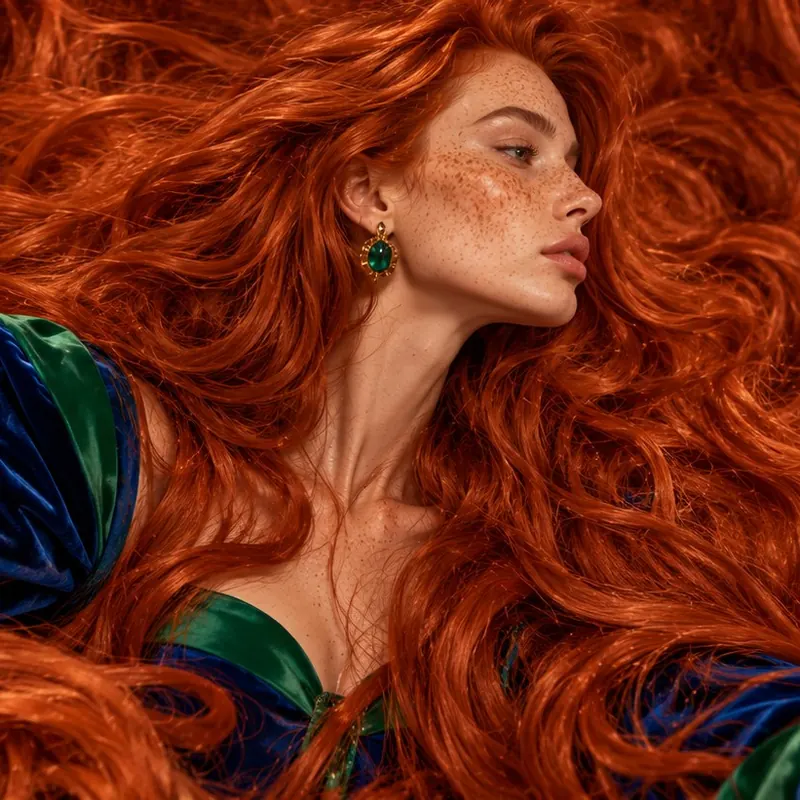
  • Woman lying on a sea of copper-red hair, used as an album cover

    Copper Tide

    EP · 6 songs

    Album and podcast covers

    Covers are square and seen small first. Leave space for the title, or let a text-strong model set it.

    Seedream 5 Pro · See the work

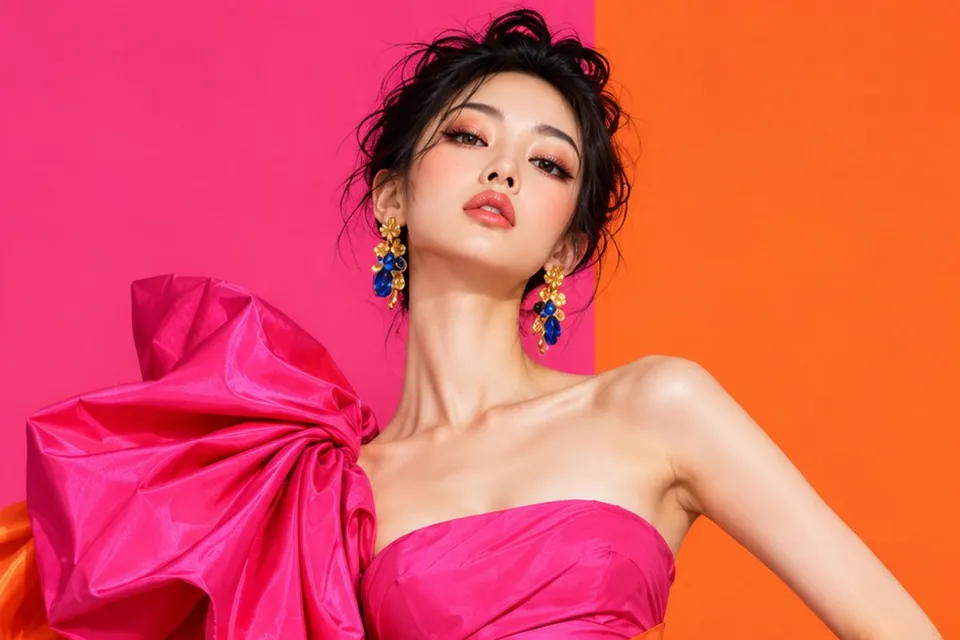
  • Fashion portrait in bright pink and orange, used as a birthday card

    Happy birthday, Sam!

    Cards for birthdays and holidays

    Bright colours and one clear subject read well on a card. Describe the scene and the mood; for a Christmas card, add “warm lights, cosy, festive”.

    Seedream 5 Pro · See the work

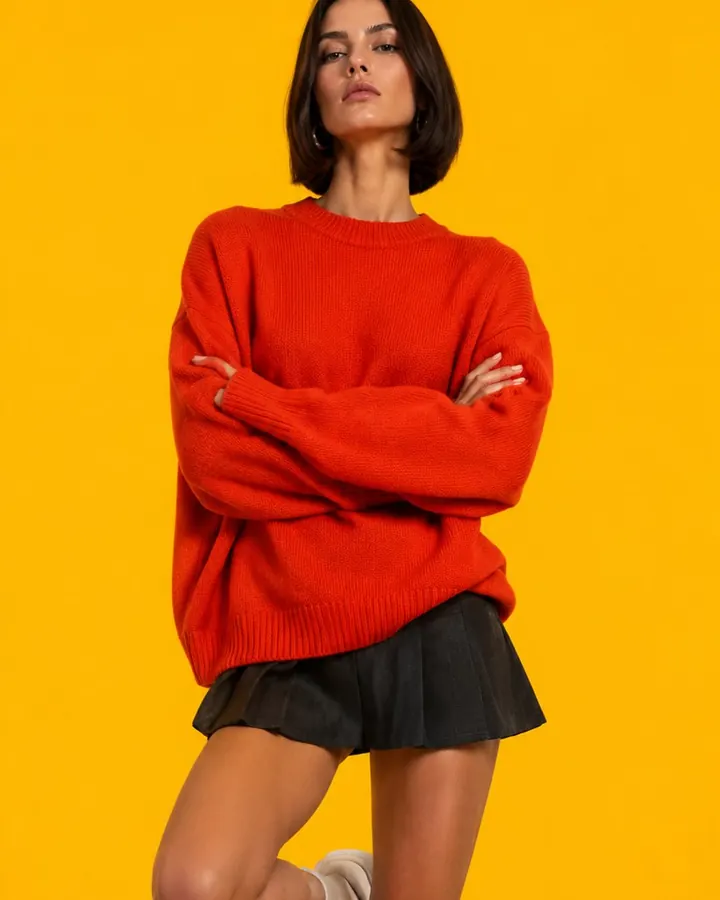
  • Model in an oversized red sweater on a yellow backdrop, used as a product card
    Knit sweater4 colours

    Product and catalogue shots

    A clean colour backdrop and even studio light make a shop card. Start from your product photo to keep its look.

    Nano Banana Pro · See the work

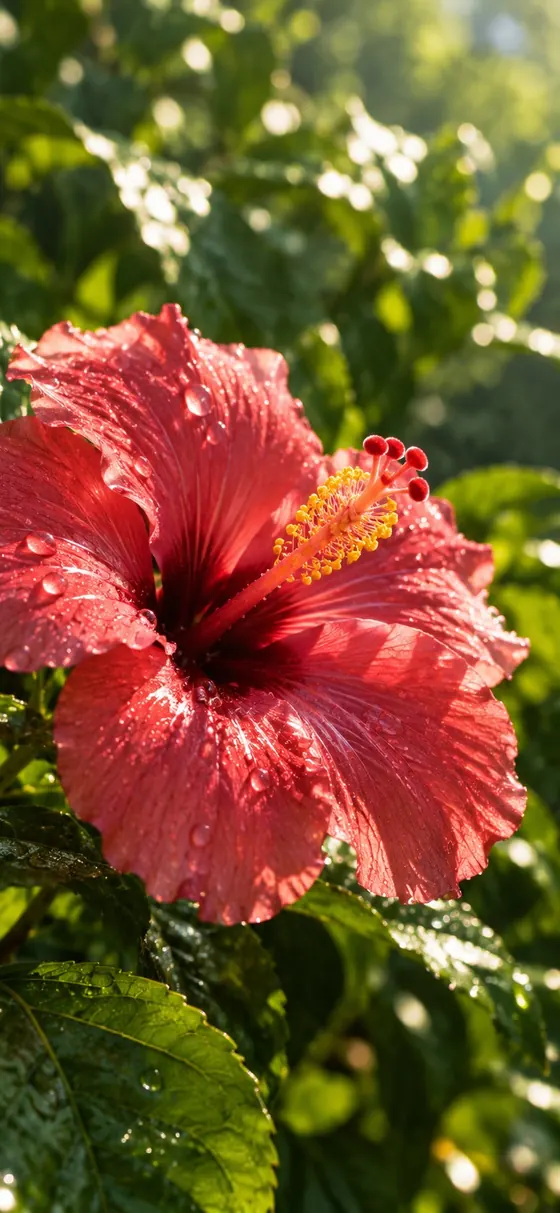
  • Macro photo of a red hibiscus with dew, used as a phone wallpaper

    Phone wallpapers

    Pick 9:16, keep the top third calm for the clock, and ask for fine detail — a macro flower, a texture, a landscape.

    GPT Image 2 · See the work

Image to image

Image to image: start from your own photo

Add a picture to the prompt and the model works from it instead of from nothing: it can change the background, the style or the light, or put your object into a new scene. How many pictures you can add depends on the model.

How many of your images each model takes

The tiles are pictures made on Seedara by the community.

How to turn a photo into an AI image

Press Add image in the field at the top of this page, or add the picture in the studio. You need to be signed in to upload.

Say what to keep and what to change: “keep the face and the pose, change the background to a beach at sunset”.

Pick the format with the Format pill and press Create image. The price is on the button.

Combine two images

Upload both pictures and say which part comes from which. Name them by order — the first image, the second image — and say whose light and style should win.

“Put the cat from the first image on the sofa in the second image, keep the soft window light of the second image, photo realistic.”

Add your image

Style dictionary

Turn a photo into a cartoon, sketch or painting

Photo to cartoon, picture to drawing, photo to painting: add your photo as an image, then add a style phrase from this list to the prompt — for example “turn this photo into a pencil sketch on textured paper”. Click a phrase to copy it.

#

A

B

All 26 styles, A to Z

C

E

F

G

I

L

M

O

P

S

U

V

W

Restyling a photo works on the models that accept your image — among them Nano Banana, Nano Banana Pro, GPT Image 2, Seedream 5 Pro, Flux 2, Flux Kontext and Kling O1. Use your own photo or one you have permission to use.

Free and paid

Is there a free AI image generator? What it costs

100 free credits ≈

17images
in Nano Banana

62images in Recraft V4.1 Flash

On Starter ($19 a month, 2,000 credits) that is about 97 images in Nano Banana Pro.

Yes, within limits. A free account gets 100 credits every 30 days, and the models listed below can spend them. Credits are taken per picture; a run that fails at the provider is not charged.

It is not unlimited, and it is not without sign-up: you need an account with a confirmed email, or Google sign-in. Pictures from the free plan carry a Seedara watermark; paid plans have none.

Free-plan image models: Nano Banana, Nano Banana 2 Lite, Recraft V4.1 Flash, Flux 2 Dev, Seedream 5 Lite, GPT Image 1.5.

Compare plans

Rules and rights

Content rules, and who owns the picture

Is there an AI image generator with no restrictions?

No. Every maker checks prompts and uploaded images and refuses some requests — sexual content, anything sexualising minors, and real people shown without their consent among them. Inside those rules any subject, style or format a model offers is yours to use. Upload only photos you have the right to use.

What each maker says about the result

GoogleNano Banana, Nano Banana 2, Nano Banana Pro
Google does not claim ownership of what you generate. Every picture carries SynthID, an invisible watermark.
OpenAIGPT Image 2
Under OpenAI's terms you own the output. Its pictures carry C2PA Content Credentials — signed data saying the image was made with AI.
Black Forest LabsFlux 2, Flux Kontext, Flux 2 Dev, Flux 1 Krea
Pictures made through the company's API come with full commercial rights. Flux 2 Dev and Flux 1 Krea are open-weight models under a non-commercial licence — check it before using them in paid work.
IdeogramIdeogram 3.0
Ideogram does not claim ownership of results. Its API terms ask that a result be credited as made with an Ideogram model.
ByteDanceSeedream 5 Pro
The model's pages do not state usage rights. Treat commercial use with the same care as any stock picture.

Next steps

After the image: animate, upscale, edit

A picture rarely is the last step. On Seedara the next one uses the same credits and the same library.

  1. Your picture

  2. Animate it

    Use it as the first frame of a short video.

    AI video generator →
  3. Upscale it

    Add detail and size for print or a big screen.

    Recraft Clarity Upscale →
  4. Cut out the background

    Get the subject on a transparent PNG.

    Recraft Remove Background →
  5. Fix a detail

    Change one thing and keep the rest.

    Flux Kontext →
  6. Get a prompt back

    Have a picture described as a prompt you can reuse.

    Ideogram Describe →

Questions

AI image generator questions

What are AI-generated images?

AI-generated images are pictures a model draws from a text description, sometimes with your own image as a starting point. They are not stock photos or collages: every pixel is new. Many makers mark their pictures invisibly — Google with SynthID, OpenAI with C2PA Content Credentials.

What are some AI picture generators?

The best-known image models come from a few makers: Google's Nano Banana, OpenAI's GPT Image, ByteDance's Seedream, Black Forest Labs' Flux, Ideogram, Recraft and Kling. On Seedara you use them in one studio, from one credit balance, and can run the same prompt on several models to compare.

Can ChatGPT make AI photos?

Yes — ChatGPT draws with OpenAI's image models. On Seedara you can use OpenAI's GPT Image 2 directly, alongside Google, ByteDance and other makers, and pay per picture from one credit balance.
5 more questions

How much does one AI image cost?

Each model has its own price per picture, shown in the comparison above and on the Create image button before you run. Higher resolution and higher quality settings cost more. A run that fails at the provider is not charged.

How do I make an image high resolution?

Choose a model that goes up to 4K — Nano Banana Pro, Nano Banana 2, GPT Image 2 or Kling 3.0 Omni Image — and set the resolution in the studio. 4K opens on the higher plans. For a picture you already have, an upscaler adds size and detail.

How do you make those AI Christmas pictures?

Describe the scene and the mood: who is in it, the room or the street, and the light — “a family by a fireplace, warm string lights, snow outside the window, cosy film photo”. To put yourself in it, add your own photo and say to keep the face. Choose 4:3 or 3:4 for a card.

What sizes and shapes can I make?

Square 1:1, wide 16:9 and 21:9, tall 9:16, and the classic 4:3, 3:2 and 4:5 on most models. Nano Banana 2 adds banners as long as 8:1 and 1:8. Ideogram 3.0 has no format choice on Seedara yet.

Is there an AI image generator app?

No, Seedara has no app in the app stores. It runs in the browser on a phone, tablet or computer, so there is nothing to install. The studio and your library work on a phone screen, and finished pictures download as files.